
Transform complex biology topics into interactive 3D experiences with augmented reality, voice explanations, and quizzes.
More days to launch
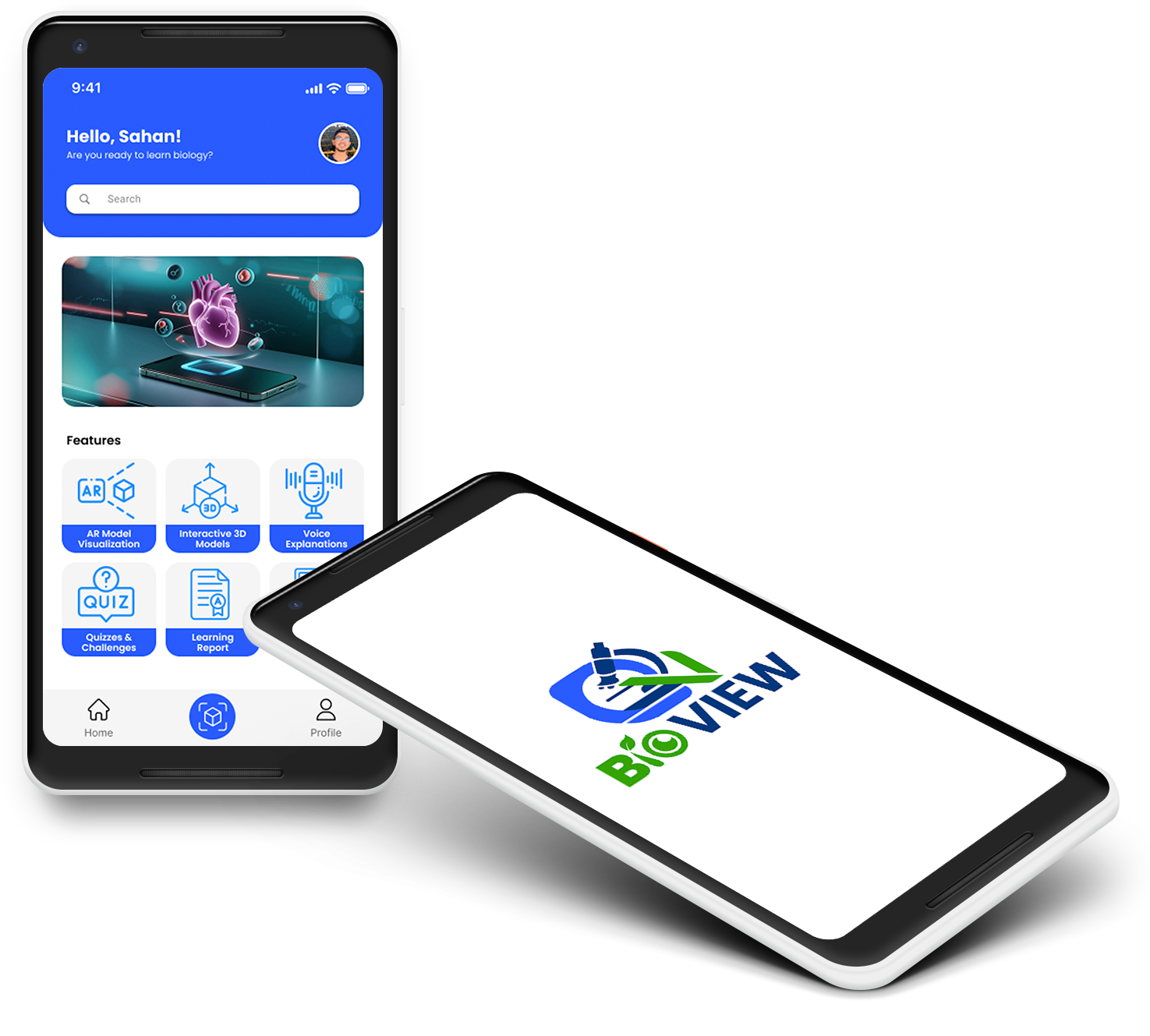
Six simple steps to master biology with augmented reality
Download the BioView app and create your account to start your biology learning journey.
Use your device’s camera to scan images in biology textbook to unlock interactive content.
Explore detailed 3D models of biological structures with interactive controls.
Hear clear, voice-guided explanations for each biological structure and concept.
Test your biology knowledge with interactive quizzes and receive instant feedback.
Review your progress with a detailed learning report to identify strengths and improvement.
Apply now to become an admin and take the lead in managing our AR-powered learning platform and play a key role in shaping the future of biology education.
Watch our simple guide to get started with BioView in minutes
This video walks you through the simple steps to register for BioView and start learning biology with AR. Follow along to download the app, set up your account, and explore interactive 3D models.
Get BioView from your app store and install it on your device
Sign up with your email and create a secure password
Use your device to scan a marker from your biology textbook
Start interacting with detailed biological structures
If you have any questions or need assistance with the registration process, our support team is here to help.
Discover the advantages of our AR biology learning app
Study material tailored to the Sri Lankan Ordinary Level Biology syllabus for exam-focused learning.
Monitor models viewed, quizzes taken, and scores to track your learning progress.
Navigate easily with sections like Scan to View, Model Library, and My Scores.
Zoom, rotate, and explore 3D models like the human heart and ecosystems in real-world space.
Listen to detailed explanations of model structures and functions for better retention.
Reinforce learning with quizzes offering instant feedback and score tracking.
See how BioView compares to traditional biology textbooks
| Feature | BioView | Textbooks |
|---|---|---|
| Interactive 3D Models | ||
| Progress Tracking | ||
| Voice-Guided Learning | ||
| Real-Time Interaction | ||
| Instant Feedback |
Find answers to common questions about BioView
Still have questions? We're here to help!
Contact Us